
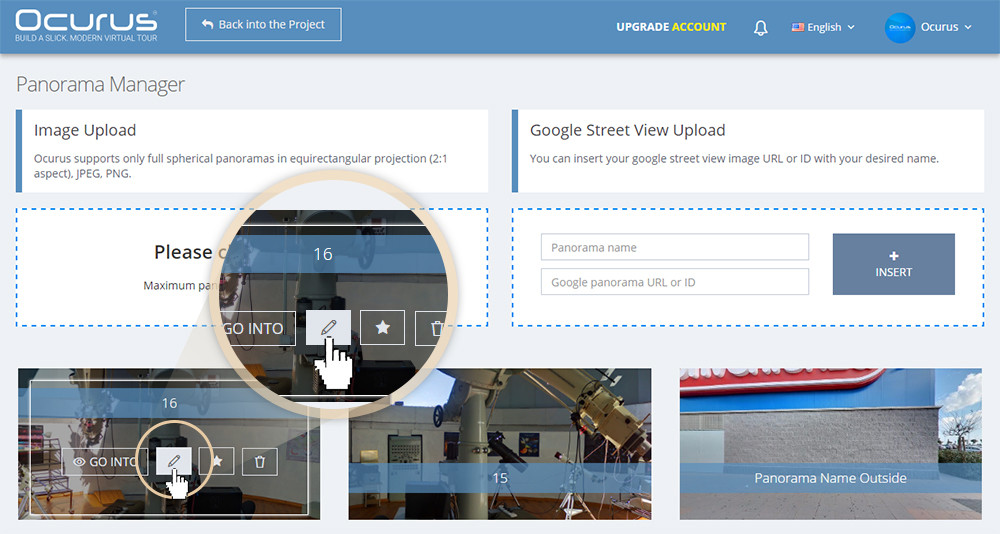
Hello, In this tutorial I will show you how to change your panoramic image. When you hover on each panorama, you can see it's option icons. Click on the "Pencil" icon as image below. You can change your already uploaded panoramic images whenever you wanted. Also you can mix google street view images with your uploaded images in 1 virtual tour poject.
 |
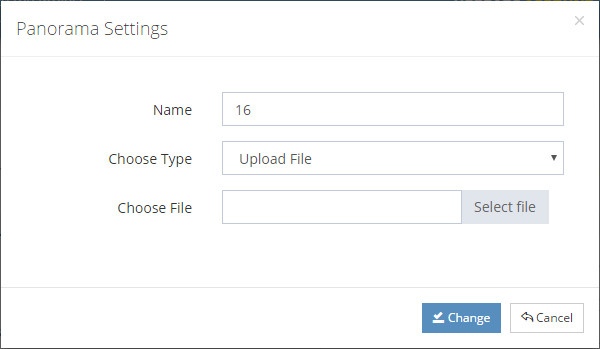 |
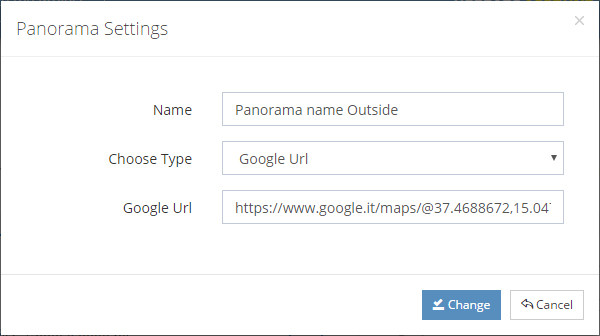
When "Panorama Setting" window pops out, you can insert name of your panorama, select panorama type ( google based or image based ), insert google URL or upload a panoramic image on the choose file field.